


How to maximize GitHub Copilot’s agentic capabilities
A senior engineer’s guide to architecting and extending Copilot’s real-world applications.
Learn more

Build what's next on GitHub, the place for anyone from anywhere to build anything.

Join us October 28-29 in San Francisco or online for GitHub Universe, our flagship developer event uniting people, agents, and the world's code.
GitHub engineers and industry thought leaders offer tips, best practices, and practical explainers about various aspects of AI and ML, ranging from fundamental concepts to advanced techniques and real-world applications. For more detailed documentation and practical guides on GitHub’s own AI coding tool, GitHub Copilot, check out GitHub's official documentation .
A senior engineer’s guide to architecting and extending Copilot’s real-world applications.
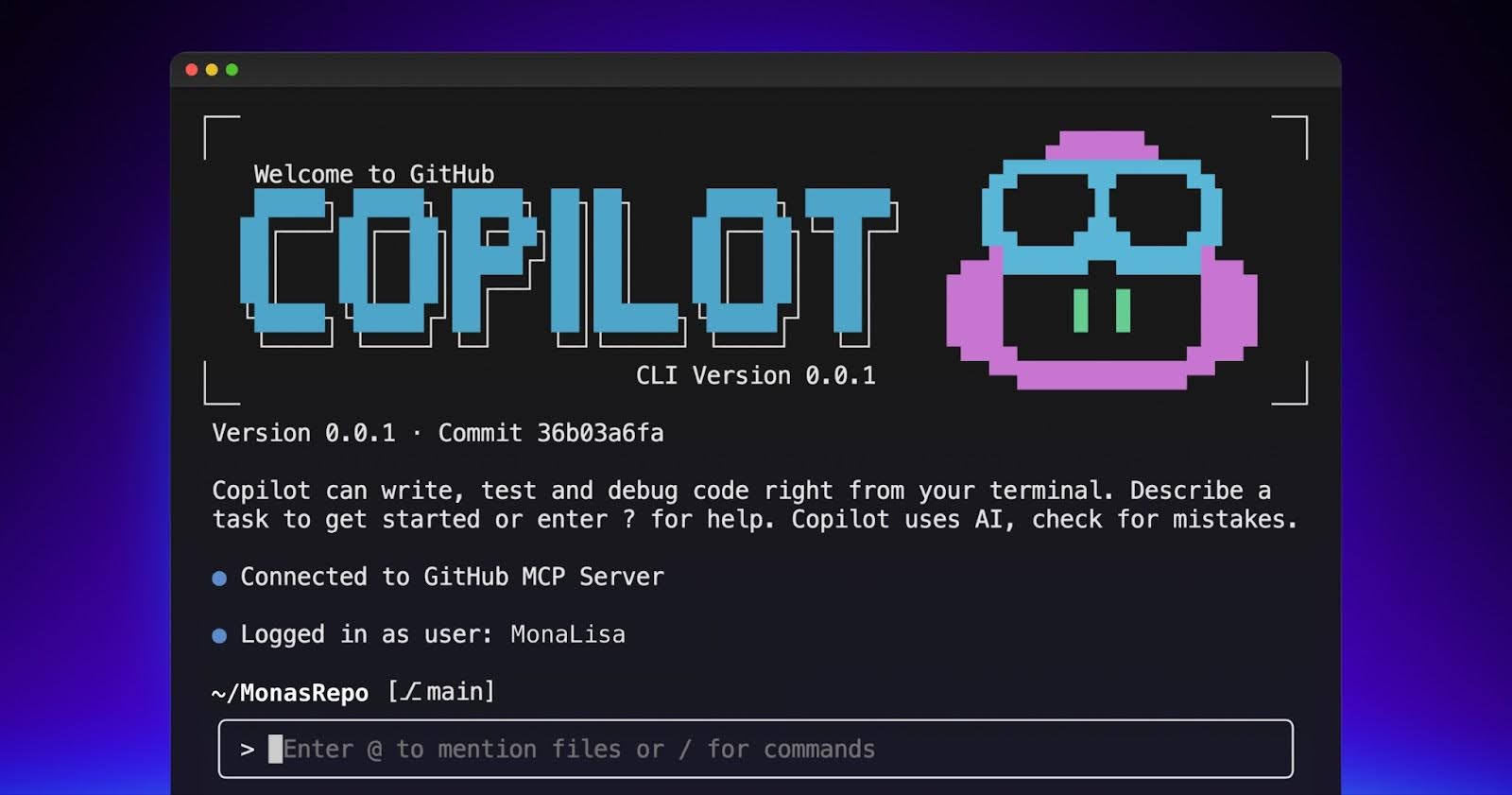
Explore the GitHub Copilot CLI and try interacting with Copilot directly from your terminal.

Run tests, fix code, and get support—right in your workflow. Stay focused and let Copilot handle the busywork.

Copilot’s cross-agent memory system lets agents learn and improve across your development workflow, starting with coding agent, CLI, and code review.
AI is designed to help you do what you love most, not replace your expertise. Discover how developer feedback and real-world experience are shaping AI coding tools that keep you in control.

Learn how custom instructions, reusable prompts, and custom agents help GitHub Copilot deliver more accurate results.

AI is settling the “typed vs. untyped” debate by turning type systems into the safety net for code you didn’t write yourself.

An easy-to-remember acronym, WRAP will help you write effective issues, refine your instructions, and get the most out of Copilot coding agent.

AI can help you build faster than ever, but it can also produce bugs, issues, and problems. Use these strategies to keep your speed without losing control of your code.

Follow this step-by-step guide to learn how to debug your issues using GitHub Copilot Spaces and Copilot coding agent.

Run multiple Copilot agents from one place. Learn prompt techniques, how to spot drift early, and how to review agent work efficiently.

Learn more about the agentic security principles that we use to build secure AI products—and how you can apply them to your own agents.

GitHub Copilot’s next edit suggestions just got faster, smarter, and more precise thanks to new data pipelines, reinforcement learning, and continuous model updates built for in-editor workflows.

We’re using embedding-guided tool routing, adaptive clustering, and a streamlined 13-tool core to deliver faster experience in VS Code.

Learn how to write effective agents.md files for GitHub Copilot with practical tips, real examples, and templates from analyzing 2,500+ repositories.