You know all those files you’ve been creating,
editing,
moving, and renaming?
Well, you’ll be glad to know that you can now remove them using the
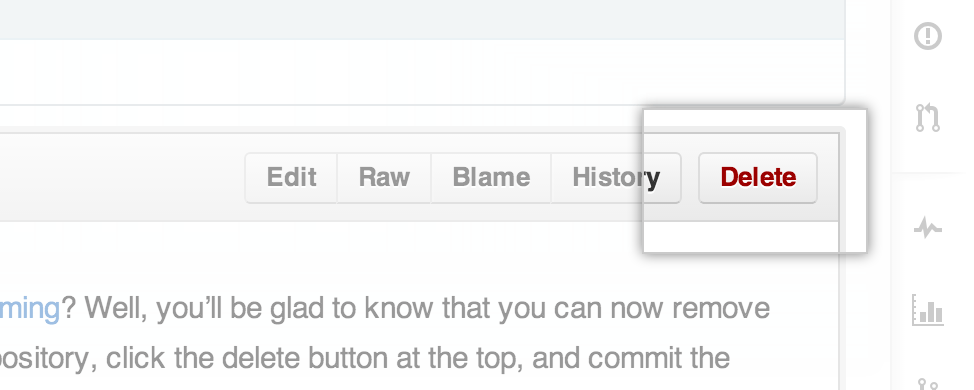
web-based interface too! Simply view any file in your repository, click the
delete button at the top, and commit the removal just like any other web-based edit.
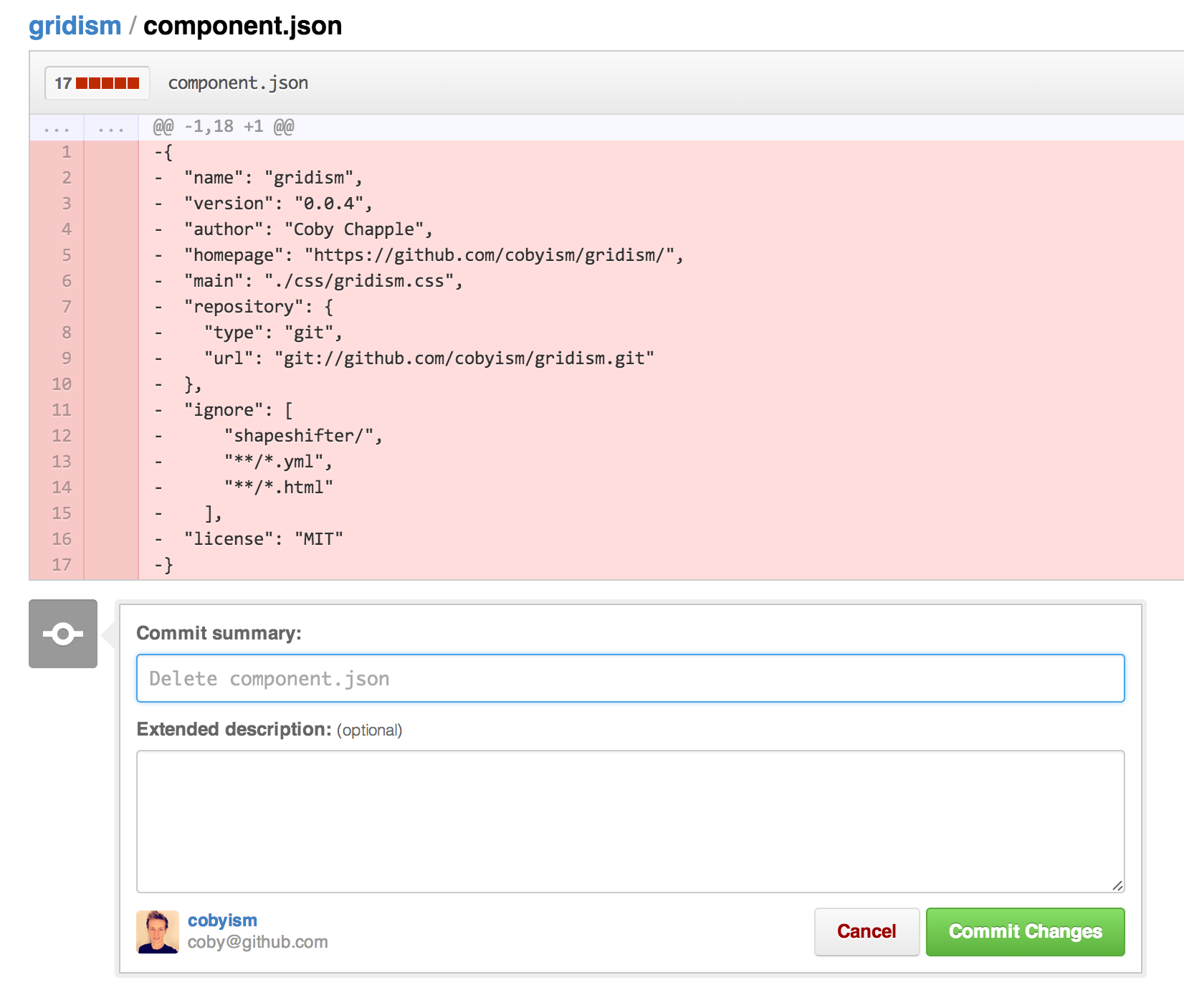
And just like that, 😗💨, it’s gone.
For help with these features, be sure to read our help articles on
creating,
moving,
renaming,
and deleting
files.
Note: Since it’s a version control system, Git always has your back if you need
to recover the file later. If you really, really need to completely
delete a file from a repository for some reason, say a secret key or other sensitive
file that was accidentally commited, you may need to consider
💀🔥the nuclear option🔥💀.


