Release
List, view, and create discussions in GitHub CLI
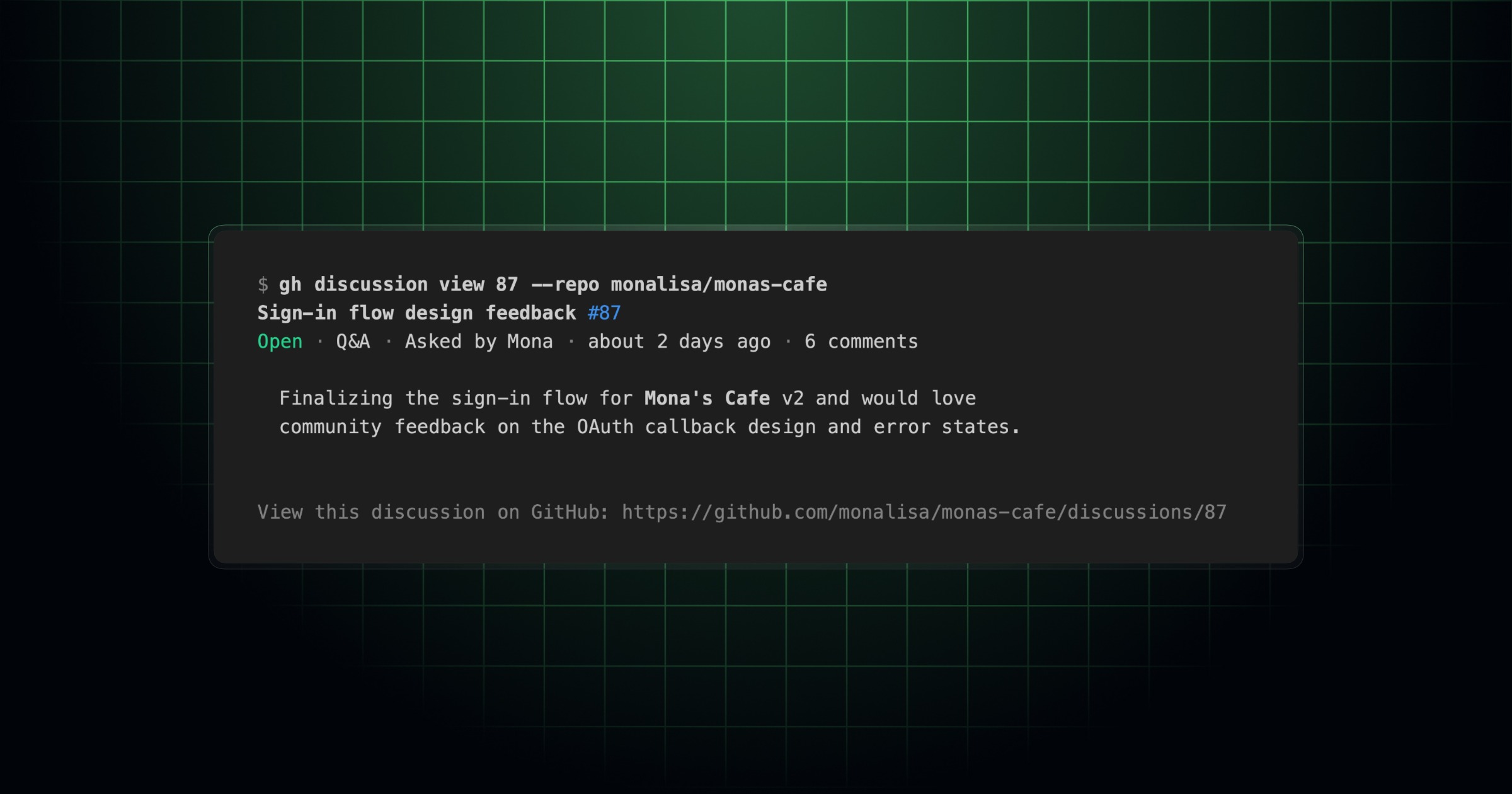
GitHub Discussions now has a first-class home in GitHub CLI through the new gh discussion command group. This means you can browse, create, and update discussions right where you already work, without falling back to raw gh api calls.
The new command group covers the core workflows you reach for most:
gh discussion listto scan recent discussions in a repositorygh discussion viewto read a discussion and its replies in the terminalgh discussion createto start a new discussiongh discussion editto update an existing discussiongh discussion commentto comment on a discussion

Install or upgrade to GitHub CLI v2.94.0 to get started on any repository where GitHub Discussions is enabled.
Have feedback or found an issue? Open an issue in the cli/cli repository.