Improvement
Edit workflow files on GitHub Mobile

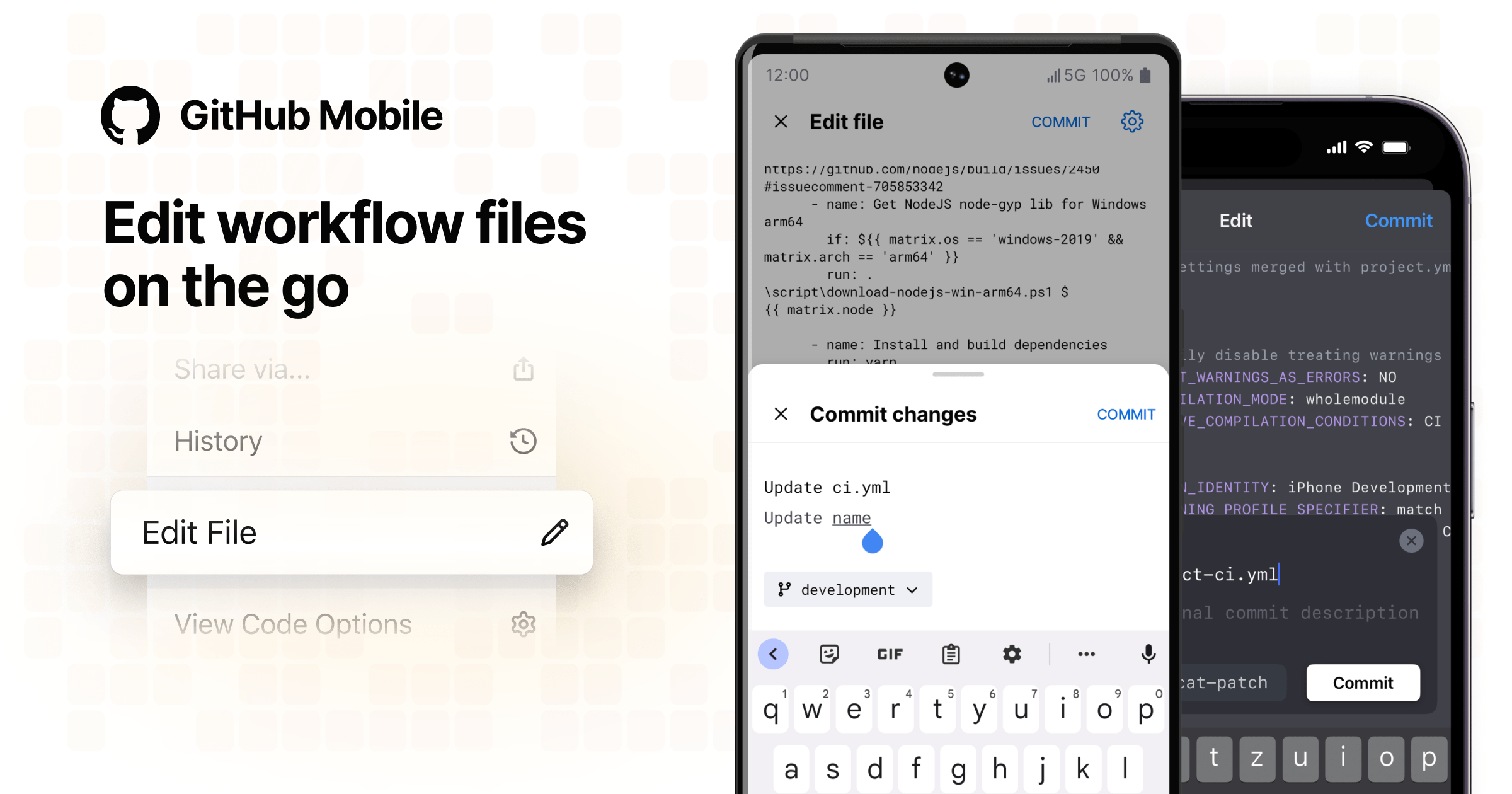
Editing workflow files is now possible on GitHub Mobile! You can create and merge pull requests after modifying your workflow files using the Android or iOS app.
Simply navigate to the file you would like to edit by tapping Browse code in the repository view, then select Edit File in the dropdown menu in the top right hand corner.
More info on how to edit a file or create a pull request on GitHub Mobile can be found here.
Read more about GitHub Mobile and share your feedback to help us improve.